
Save Gmail Emails & Threads as PDF
100% Private. Right in Your Browser.
Export Gmail emails to PDF with full thread control, bulk export support, and local PDF generation — without servers, uploads, or tracking.
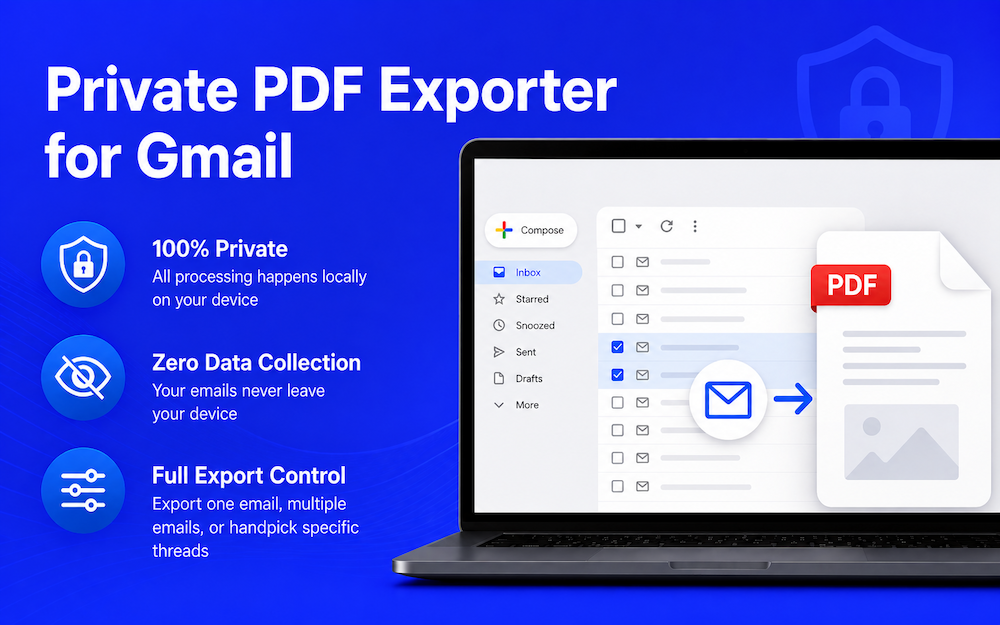
There's a Better Way to Save Gmail Emails
Stop struggling with Gmail's limited export options.
Without the Extension
- ✕Forwarding emails to yourself just to save them
- ✕Gmail's built-in print cuts off content and looks terrible
- ✕Third-party tools upload your emails to their servers
- ✕No way to batch-export multiple emails at once
With Private PDF Exporter for Gmail
- ✓Beautiful, properly formatted PDFs in one click
- ✓Batch export dozens of emails
- ✓100% local — your emails never leave your browser
- ✓Full thread control: export all, sent-only, or pick manually
Export Gmail to PDF — Your Way
Powerful, private, and built entirely for the browser.
100% Local & Private
Everything runs entirely in your browser. Your emails are never uploaded, never processed on a server, never seen by anyone but you.
Save Single Gmail Emails as PDF
Open any email and export the full thread to PDF. Use quick filters — All, Sent, Received — or manually pick exactly which messages to include.
Export Multiple Gmail Emails to PDF
Select multiple emails and export them all to PDF in one click. Each email becomes its own PDF, downloaded automatically. Available in Inbox, Important, and All Mail views.
PDF Merge Tool
Combine multiple PDF files into one — also 100% local. Drag, reorder, and merge without any uploads. Perfect for assembling email records.
Paper Size Options
Choose between A4, US Letter, and Legal paper sizes to match your filing or printing needs.
Offline License Activation
Pro licenses are verified entirely on-device using cryptographic signatures — no internet connection required to activate or use Pro features.
Common Ways People Use Gmail PDF Export
How It Works
Two export modes, both 100% local.
📧 Save Single Gmail Emails as PDF
Open an Email
Open any email in Gmail. The extension adds an export toolbar at the bottom of the thread.
Select Messages
Use "Select All", filter by Sent / Received, or manually check individual messages in the thread.
Export PDF
Click Export PDF. Your PDF is generated and downloaded instantly — entirely in your browser.
📦 Export Multiple Gmail Emails to PDF
Select Emails
Check multiple emails in your Gmail inbox, just like selecting for archive or delete.
Click Export
A toolbar appears — click "Export N emails to PDF" to start batch processing.
Download All
Each email is converted to its own PDF and downloaded automatically. No uploads, no servers. Everything stays on your device.
Your Emails Never Leave Your Browser. Ever.
Most tools send your data to a server to generate PDFs. We don't — and we never will.
No Uploads
Email content is processed entirely in your browser. Nothing is sent to any server.
Zero Data Collection
Your emails never leave your device. PDF generation happens entirely in your browser — nothing is transmitted, stored, or shared.
No Sign-up Required
Use all features without creating an account. Free plan includes 5 uses/month per feature.
Simple, Transparent Pricing
Start free. Upgrade once and own it forever.
Free
$0
5 uses / month per feature
Install Free Extension- ✓5 single-email exports / month
- ✓5 bulk exports / month
- ✓5 PDF merges / month
- ✓A4, Letter, Legal paper sizes
- ✓100% local & private
- ✕No footer branding on PDF
- ✕Unlimited exports
Pro
$29.99
Pay once. Use forever. No subscription.
- ✓Unlimited single-email exports
- ✓Unlimited bulk exports
- ✓Unlimited PDF merges
- ✓A4, Letter, Legal paper sizes
- ✓100% local & private
- ✓No footer branding on PDF
- ✓Offline license activation
Payments processed securely by Creem. License delivered to your email instantly after purchase.
🌐 Currently available in English (more languages coming soon).
Frequently Asked Questions
Everything you need to know about Gmail to PDF export.
How do I save Gmail as PDF?
+Can I export multiple Gmail emails to PDF?
+How do I export entire Gmail threads?
+Is exporting Gmail to PDF safe?
+Can I save Gmail emails without uploading them?
+Does the extension send my emails to a server?
+What's the difference between the Free and Pro plans?
+How does Pro activation work without the internet?
+What paper sizes are supported?
+What is the PDF Merge feature?
+Is this extension affiliated with Google?
+Do I need a Google account to use it?
+Ready to Export Gmail to PDF — Privately?
Free to install. No account required. Everything runs in your browser.
Install Free Extension